Collapse messages
Turn messages you have read into short previews so the important part of a long chat is easier to find.
From our small studio
Makes long ChatGPT conversations easier to navigate, save, shape and revisit.
Free to try, with an Unlimited one time purchase if it earns a place in your workflow

Why we made it
We use ChatGPT every day, which means we know how quickly one good conversation can become a very long one. The answer you need is somewhere in the thread, but finding it means scrolling through a wall of messages you have already read.
So we made the little toolkit we wanted beside every chat. Conversation Booster keeps the useful parts close, lets the rest get out of the way and gives you a few practical ways to make ChatGPT feel more like your own workspace.
See it in action
What it helps with
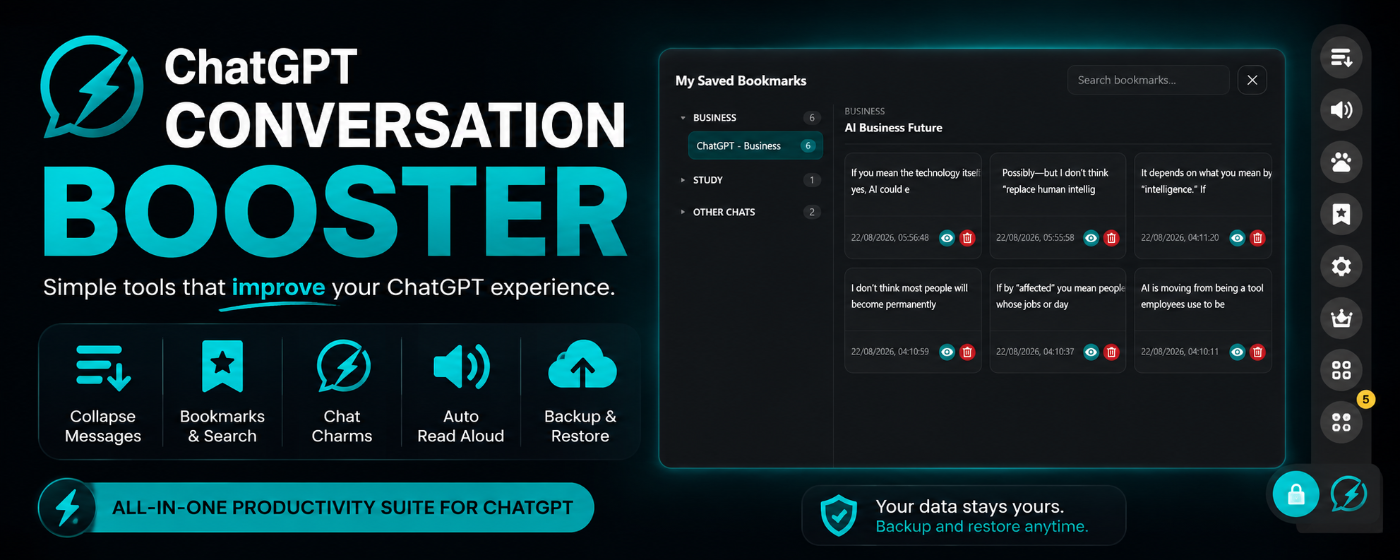
Turn messages you have read into short previews so the important part of a long chat is easier to find.
Bookmark useful responses, group them by chat or project and find them again without endless scrolling.
Keep reusable instructions and a preferred response style close by, without typing them into every prompt.
Have completed answers read aloud while you take notes, work through something else or rest your eyes.
Save a copy of your bookmarks, Chat Charms and categories whenever you want one.
Keep the answer
Collapse a message into a short preview when you are done with it. The thread becomes much easier to scan, while every detail is still one click away. It is a small change that makes research, planning and long back and forth conversations feel far less heavy.
When an answer is worth keeping, bookmark it right inside ChatGPT. Conversation Booster gathers those saved answers in one place, where you can browse by chat or project, search across them, read the full response and give it a clearer summary for future you.
Chat Charms
Make reusable instructions for the way you like to work, such as “keep it short”, “explain it for beginners” or “use a friendly professional tone”. Turn on a Charm and it is applied to every prompt until you turn it off.
Auto Read Aloud
Have completed answers read aloud automatically while you take notes, get on with something else or simply give your eyes a break. It stays on for your current browsing session and is easy to switch off.
Backup and restore
Back up bookmarks, Chat Charms and categories to a file whenever you want a copy. Bring them back later without rebuilding the bits that made the extension feel like yours.
A closer look inside
Free or Unlimited
Questions people might have
Yes. Collapse messages you have already read into short previews, then expand only the part you need. It makes a long thread easier to scan without hiding anything permanently.
Yes. You can bookmark responses directly in a conversation, browse saved items by chat or project and search across them when you need an answer again.
Chat Charms are reusable instructions for ChatGPT. Create one for the kind of reply you prefer, turn it on and it will be applied to your prompts until you turn it off.
Yes. The free version includes 25 bookmarks, 10 Chat Charms and a 30 day Auto Read Aloud trial. Unlimited adds ongoing access to those features with a one time purchase.
A note from us
If ChatGPT is part of your day, it should be easier to live with.